Read the day at a glance
Time, weather, calendar, lunar dates and alerts give you context before you leave.
A dynamic-island desktop companion for Windows
Time, weather, tasks, markets, terminal updates and AI stay at the top of your screen—quiet when idle, ready when opened.
Small install · Local-first · MIT licensed Windows 10 / 11 only

One island, three states
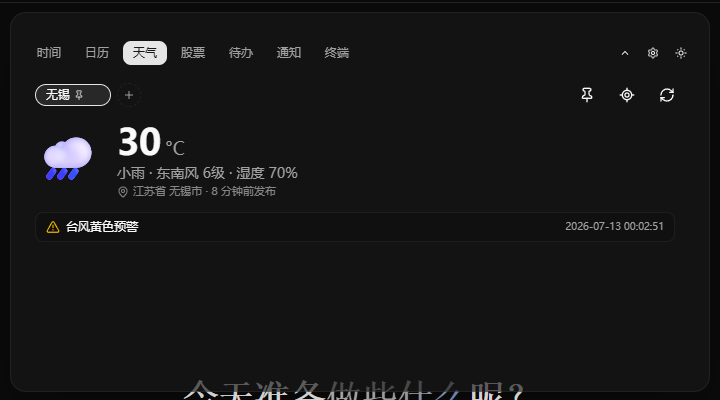
Move between hidden, compact and expanded states with a restrained 260ms transition while monitor placement stays remembered.
Press Alt+X or use the tray to return the whole desktop to your work.
A 720×80 line keeps time and essential context in view.
A 720×400 canvas moves across calendar, weather, tasks, terminal and notifications.

A day with LuckyIsland
Features appear as real moments instead of a wall of interchangeable cards.
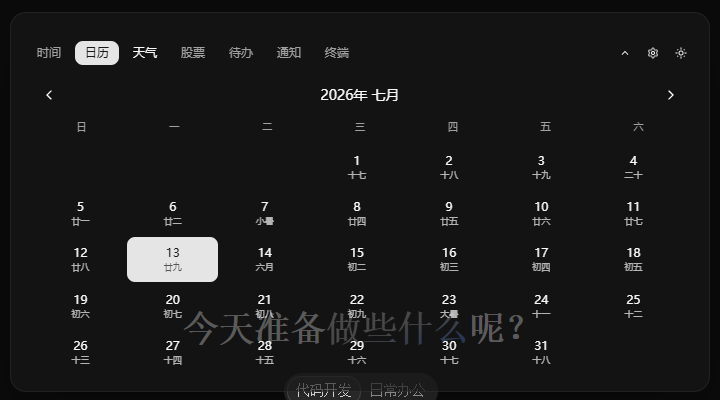
Time, weather, calendar, lunar dates and alerts give you context before you leave.
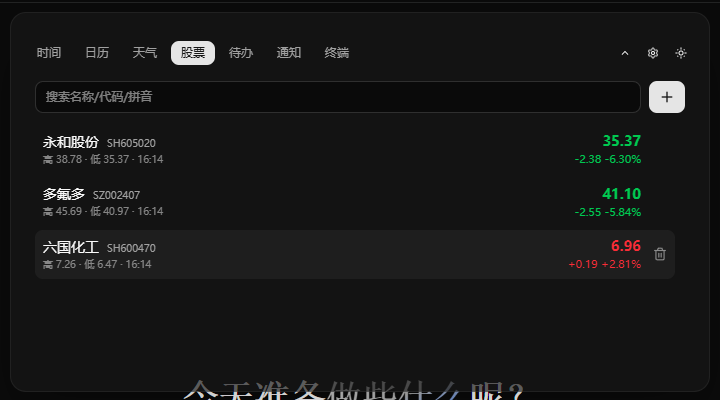
Tasks, markets, tabbed terminals and quick commands share one switchable canvas.
Review notification history, log your mood or tap the digital wooden fish.
AI assistant
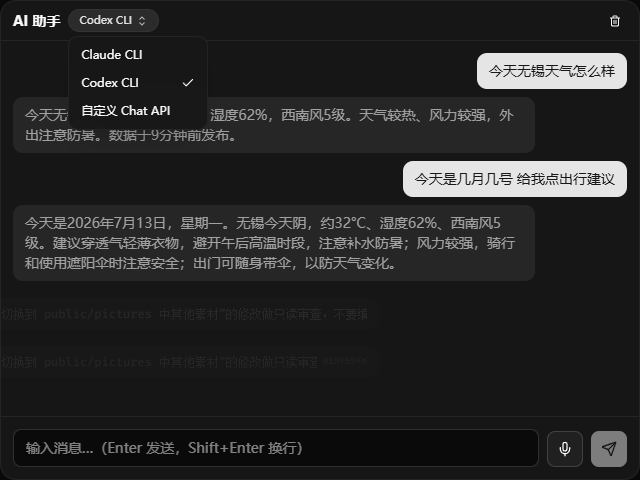
Connect the model services you use, watch responses arrive as they are generated, and keep multi-turn work close to desktop shortcuts.
Connect supported providers and switch from one familiar entry point.
See responses as they arrive, then follow up without losing momentum.
Keep multi-turn tasks coherent and open frequent actions from the desktop.
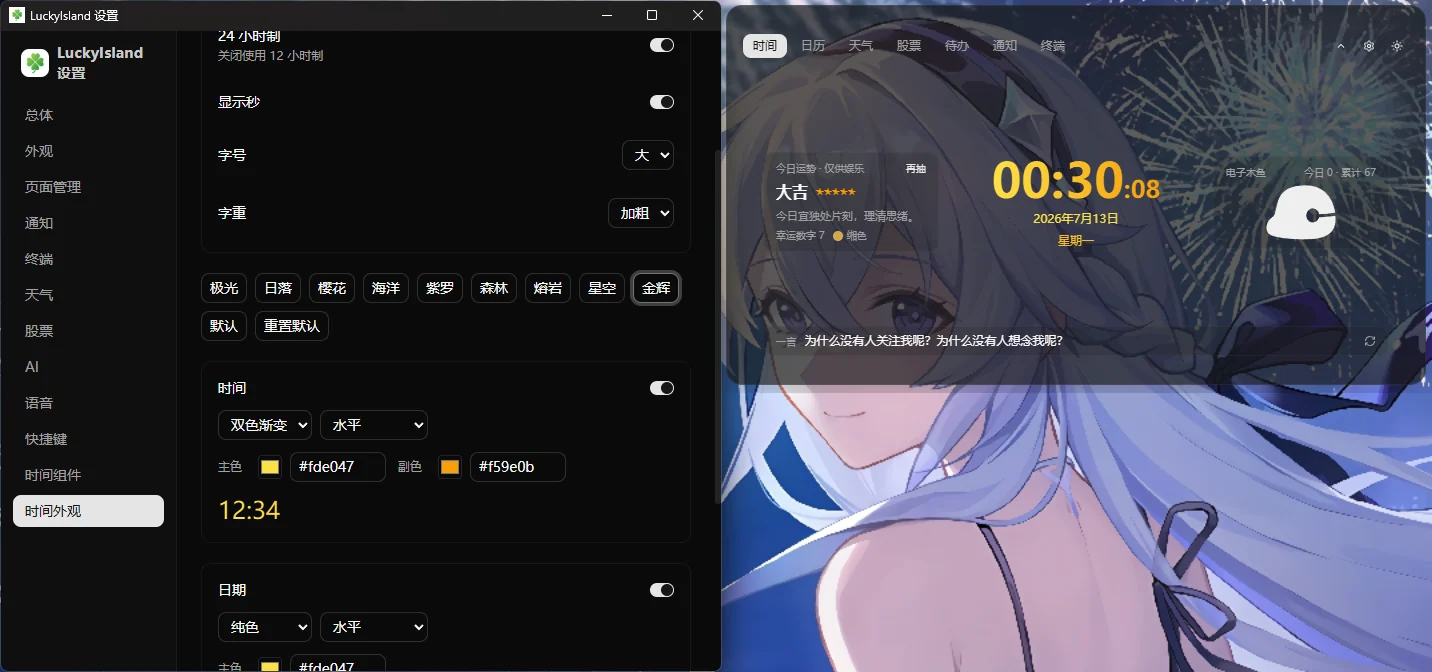
Make the island yours
Themes, axis offsets, page order, time widgets and shortcuts live in a focused settings window.
Exports use a safe allowlist, so keys, tokens, caches and runtime data stay behind.
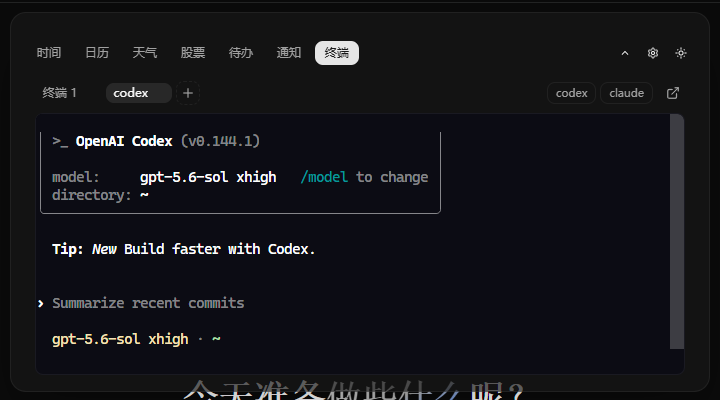
Built for terminal and AI workflows
LuckyIsland connects terminal work, AI providers and local notifications without turning them into a cloud service.
xterm.js + portable-pty with quick commands and Windows Terminal access.
Claude CLI, Codex CLI or a custom Chat API with streaming, web search and cancellation.
POST to 127.0.0.1:9753/notify to keep history and raise a Windows toast.
The repository includes lucky-notify and hook examples that route completion events to the island.
Send a local build notification
curl -X POST http://127.0.0.1:9753/notify \
  -H "Authorization: Bearer <token>" \
  -H "Content-Type: application/json" \
  -d '{"title":"构建完成","body":"lucky-island 发布成功","source":"ci"}'
Local-first, with honest boundaries
Core records stay on the machine; network access belongs only to features that need it.
Tasks, notification history and application state persist on your PC.
Tauri 2, thin LTO and shared libraries keep the installer compact.
The baseline remains light with voice features disabled.
Keys and tokens are excluded from configuration exports.
Weather, stocks, web search and external AI providers still need a connection; LuckyIsland is not presented as fully offline.
Put the island at the top
No account required. Start from the tray and keyboard shortcuts after installation.
Checking the latest version Open Latest Release